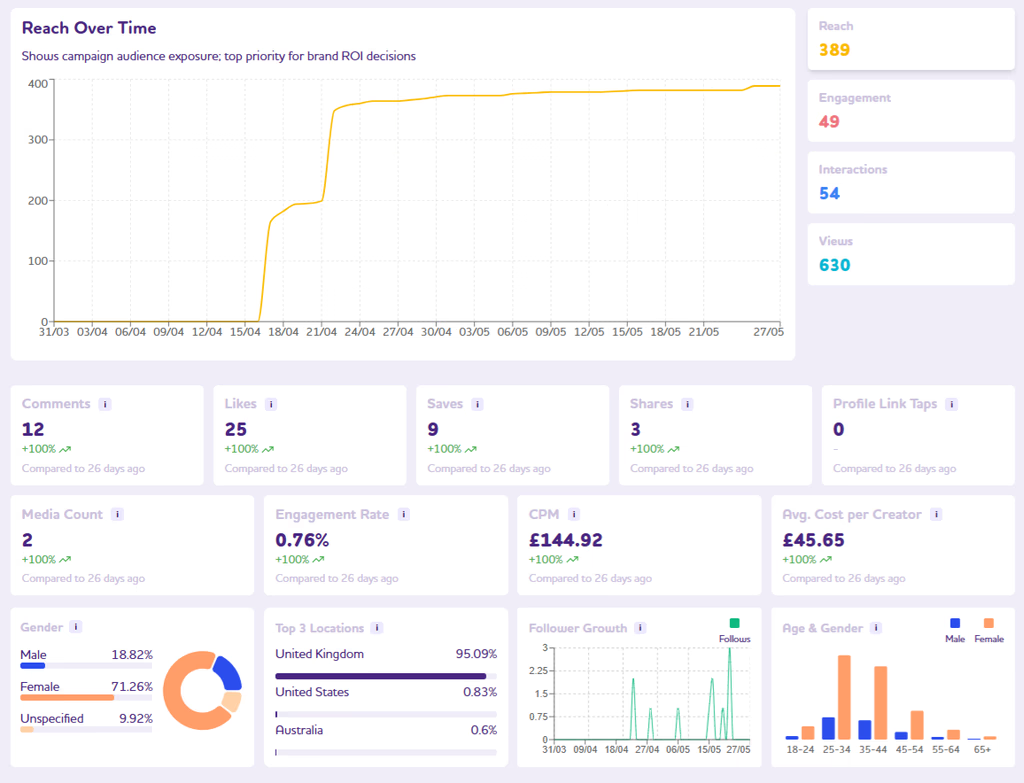
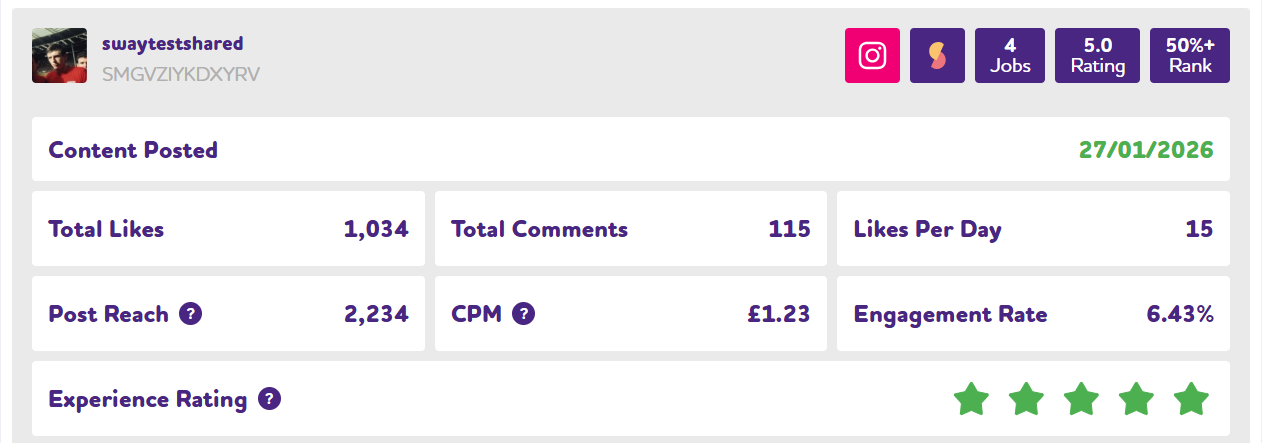
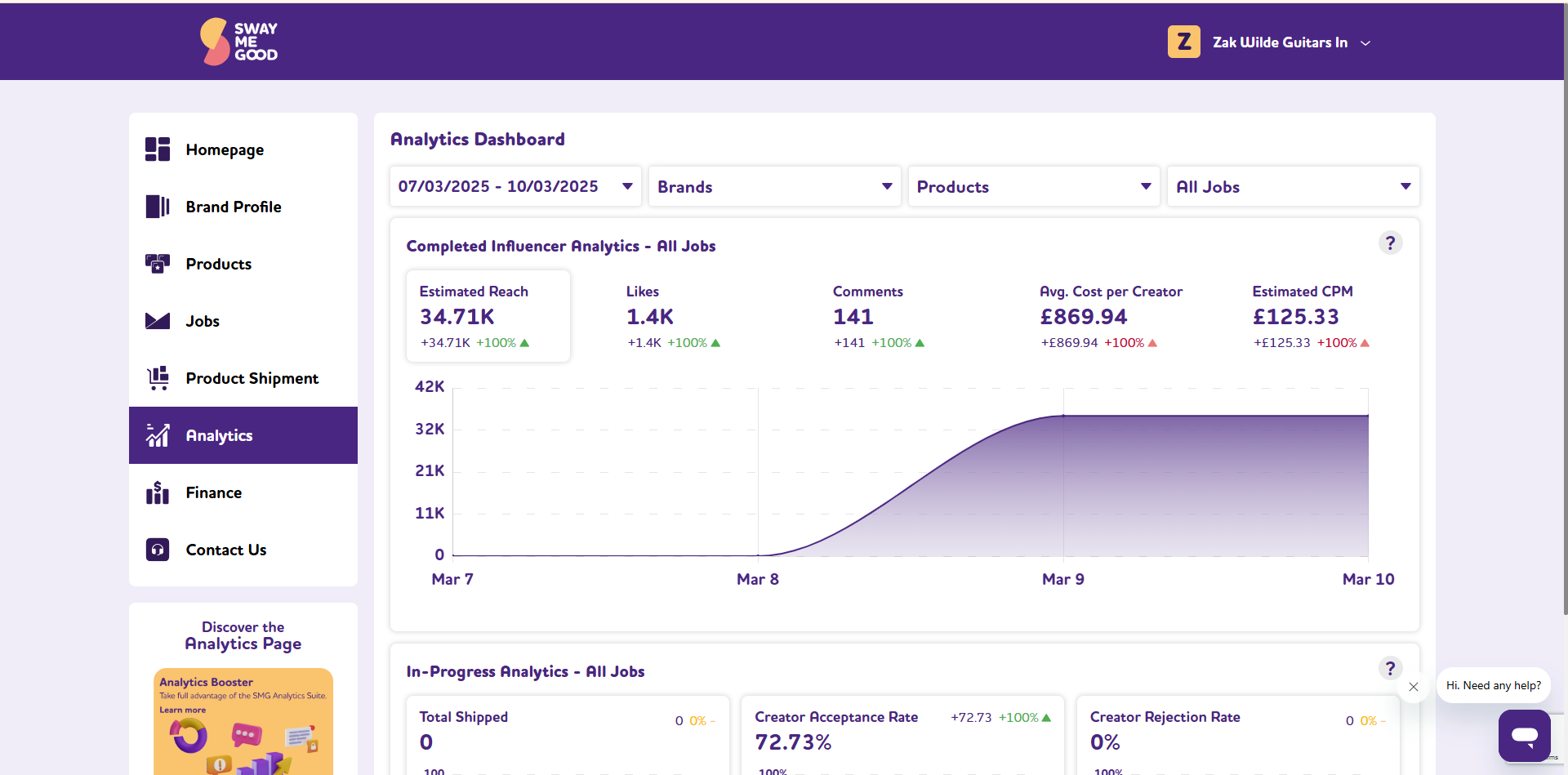
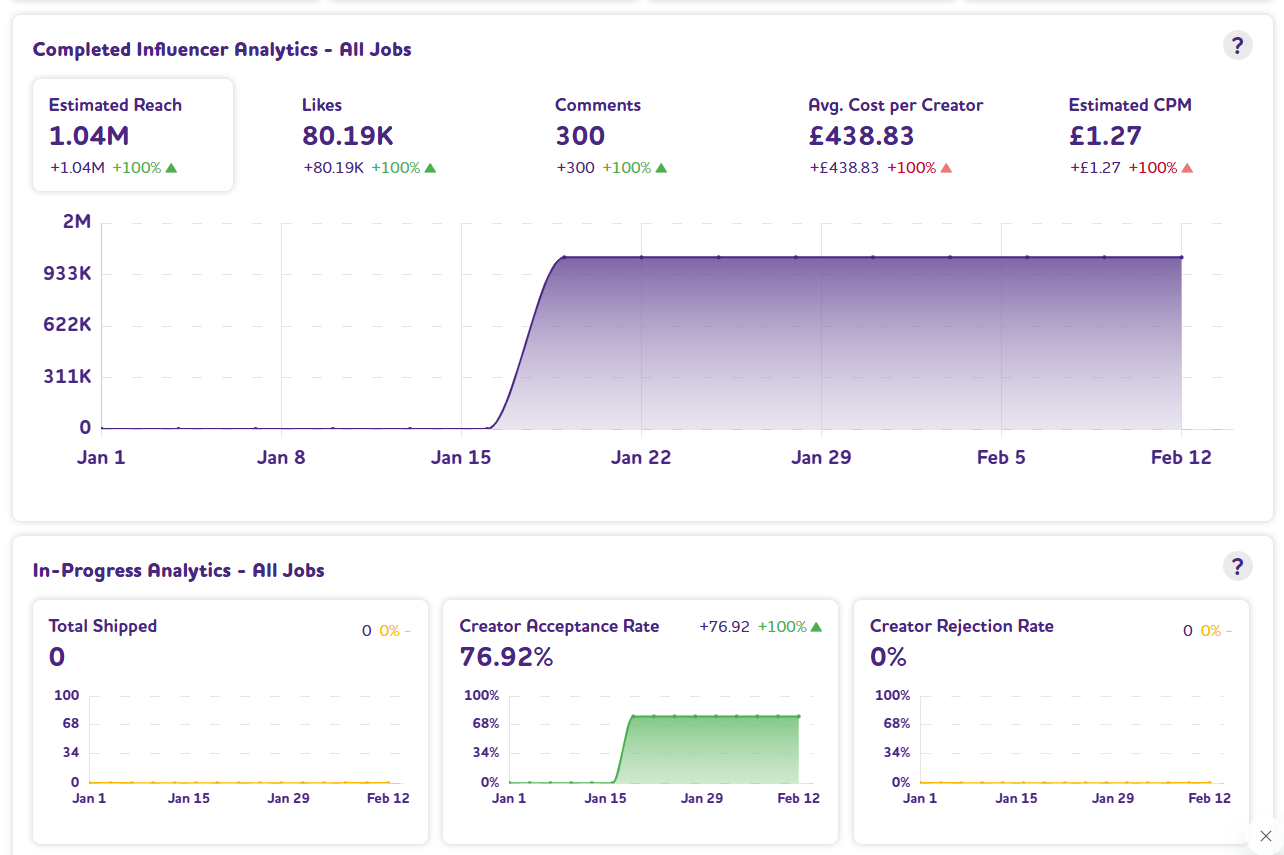
The Analytics Dashboard has been updated with new metrics and calculations, giving you deeper insight into your campaign performance.
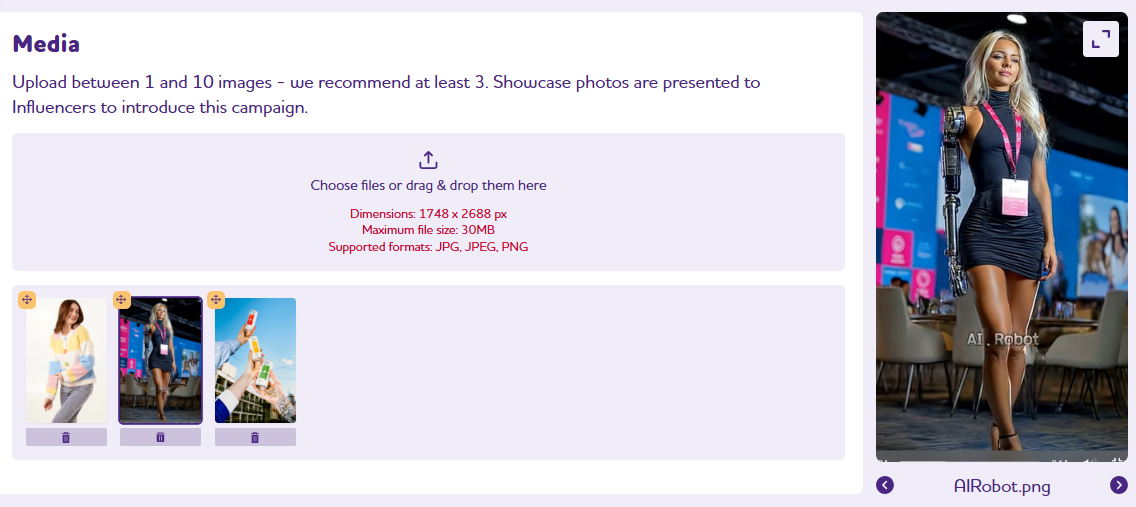
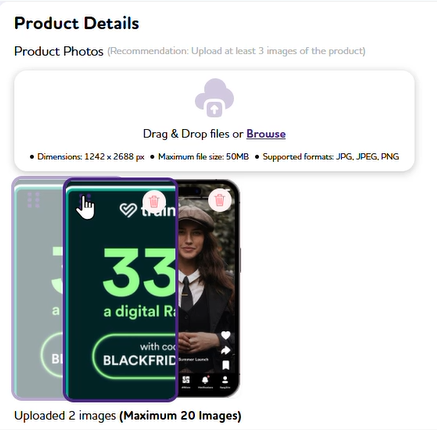
Select and upload multiple images at once when creating or editing Jobs and Products. Choose all the images you need from a folder in a single step.
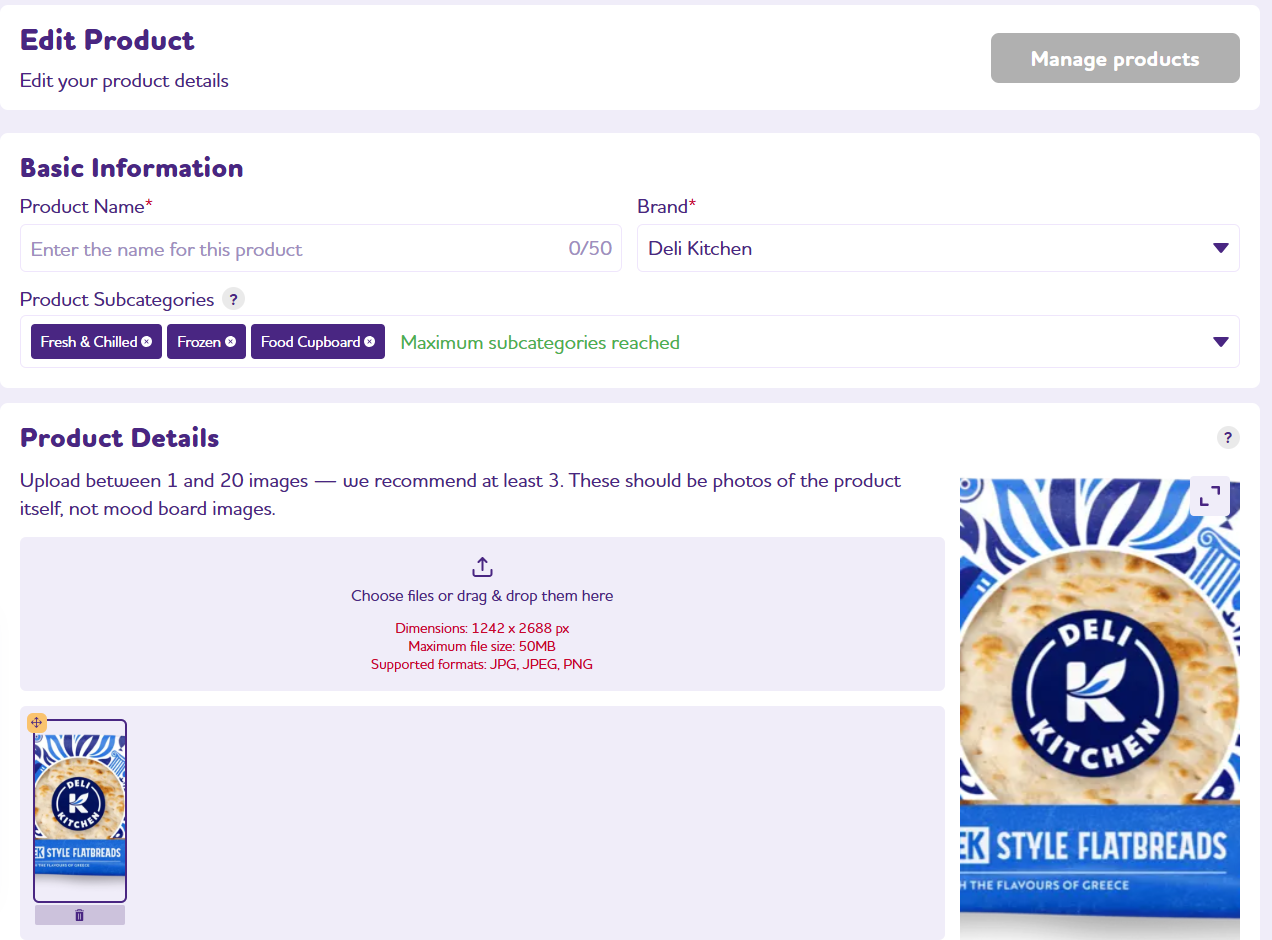
Product and Brand creation and editing pages have been redesigned to match the look and feel of the rest of the platform.
We’ve rebuilt Job Analytics from the ground up for completed collaborations. The redesigned dashboard surfaces influencer follower demographics, reach, and interaction data for a fuller picture of campaign performance.
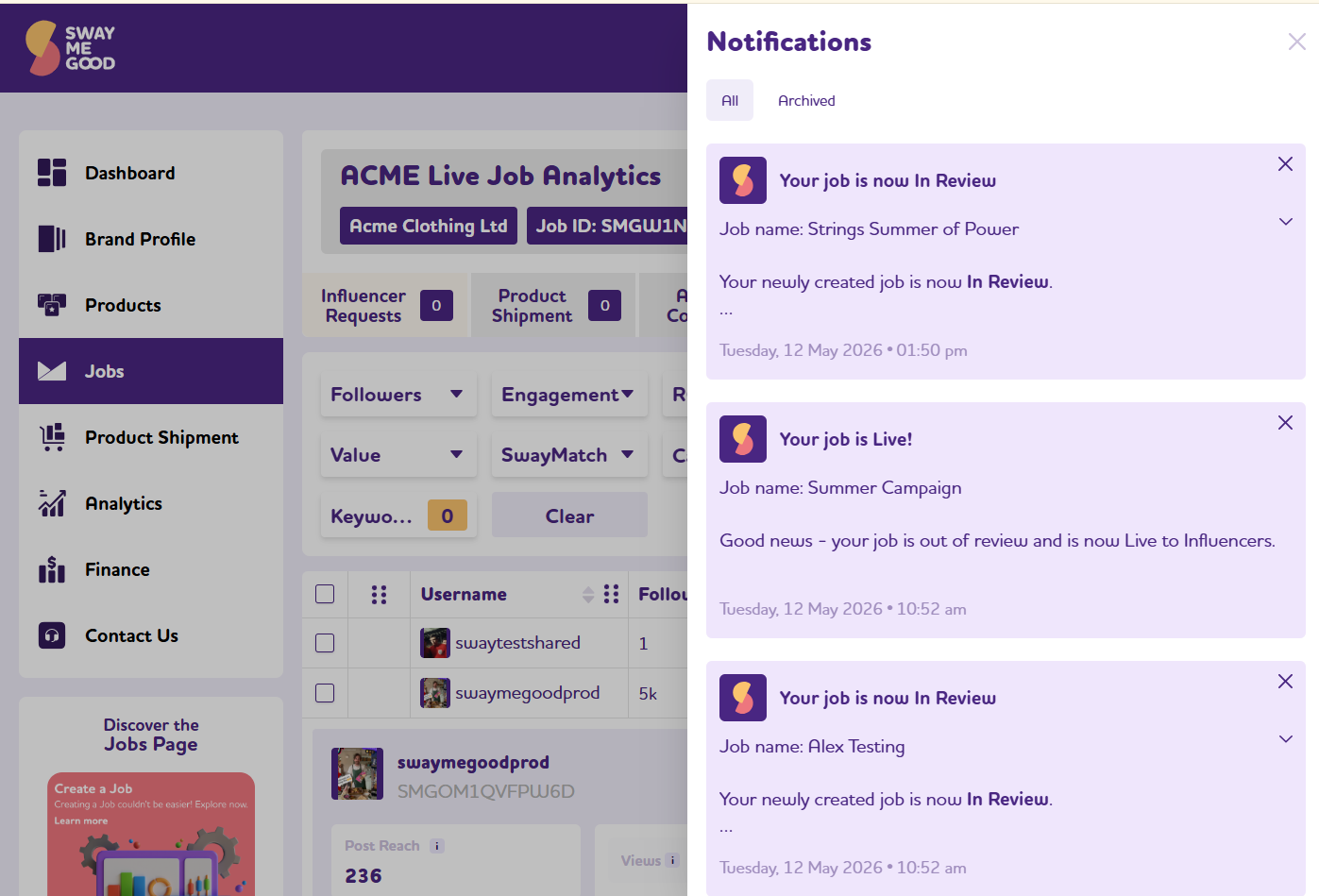
Never miss an important notification again. All your messages are now centralised within the platform, ready to review at your own pace.
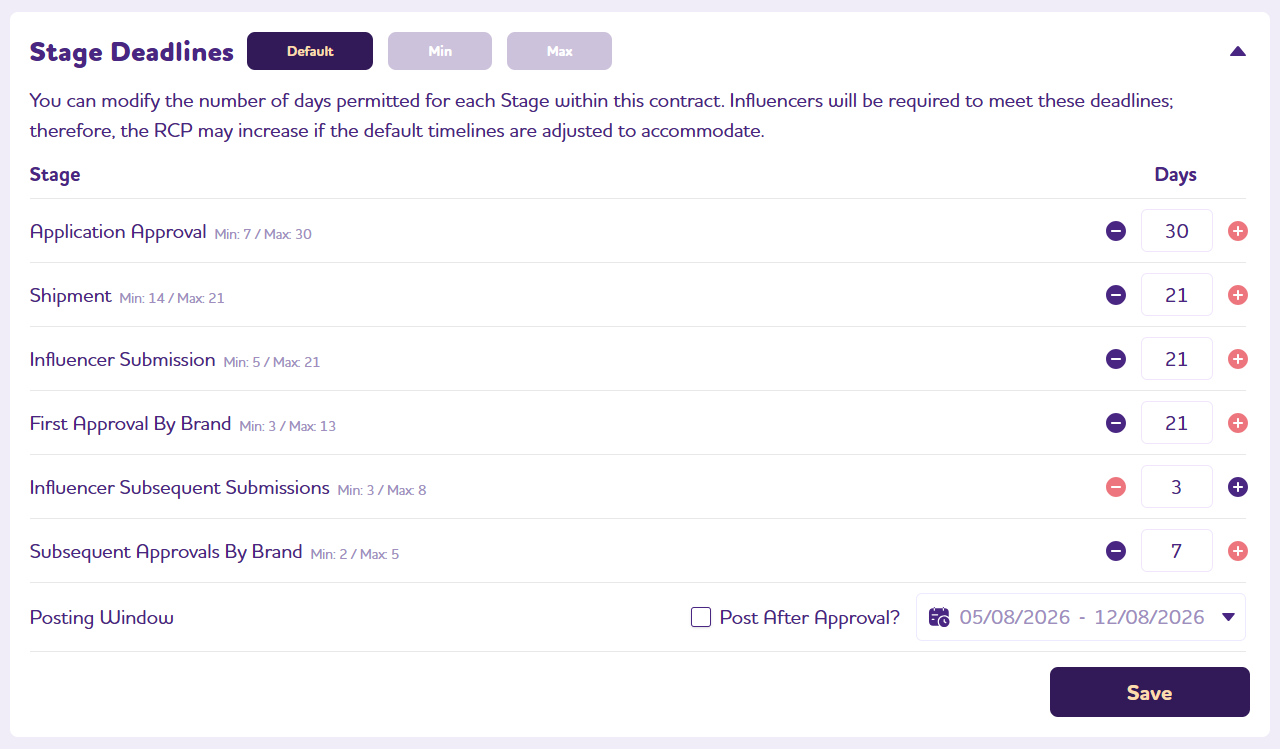
Need more flexibility around key launches? You can now set variable deadlines for each campaign stage — perfect for seasonal moments or time-sensitive drops.
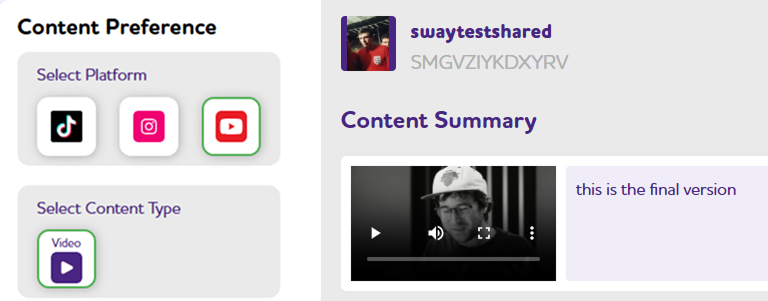
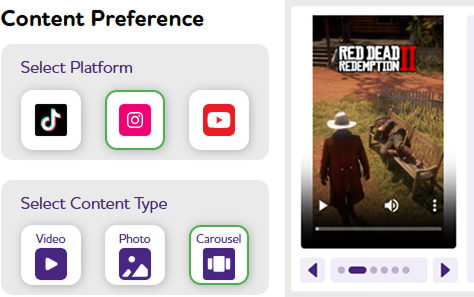
You can now create paid collaborations and gifting campaigns where the content is promoted with YouTube as the social media channel.
You can now reorder Product images while creating or editing a product using drag and drop.
All campaigns are now briefly reviewed before being published in the Sway Me Good app. This review helps ensure that all details are accurate and reduces the likelihood of jobs needing to be relisted due to errors.
Many additional email notifications have been introduced. These emails are triggered at key stages of the influencing process to serve as reminders, helping ensure that important deadlines are not missed.
All analytics are now sourced directly from social media channels, ensuring they’re always accurate and up to date. Even more metrics and insights are coming soon.
Influencers can now officially link and verify their YouTube channel on their SwaySite – paving the way for YouTube to be added as a social channel for campaigns.
We’ve made it even easier to top up your balance using a range of payment methods and channels. You can always ensure you have enough budget to fund your campaigns.
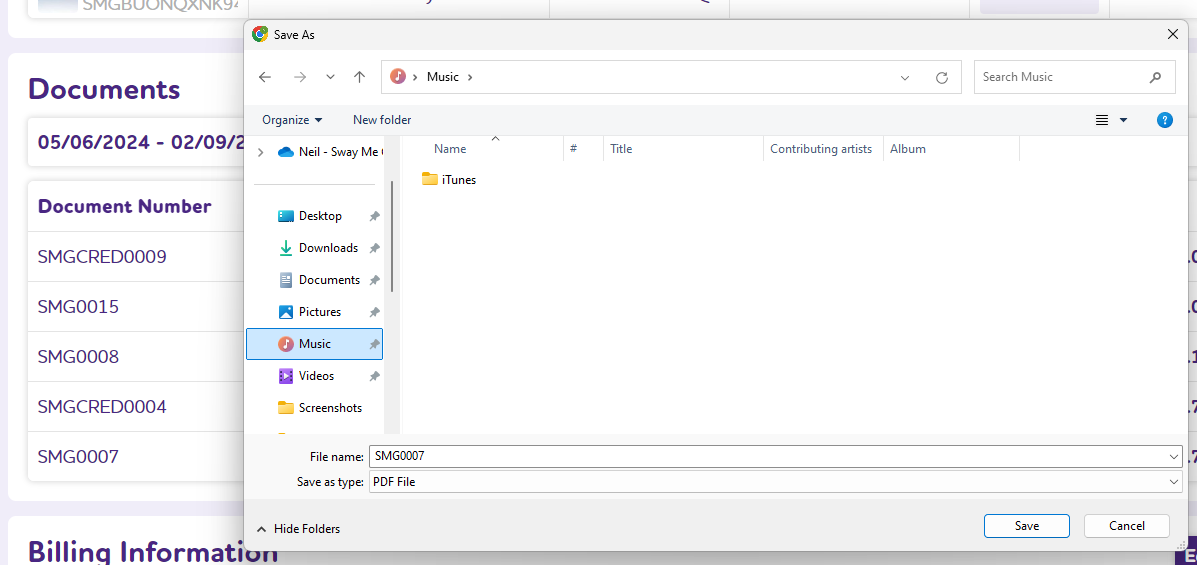
You can now top up your account balance by card, transfer or invoice. Documents are automatically generated and added for you.
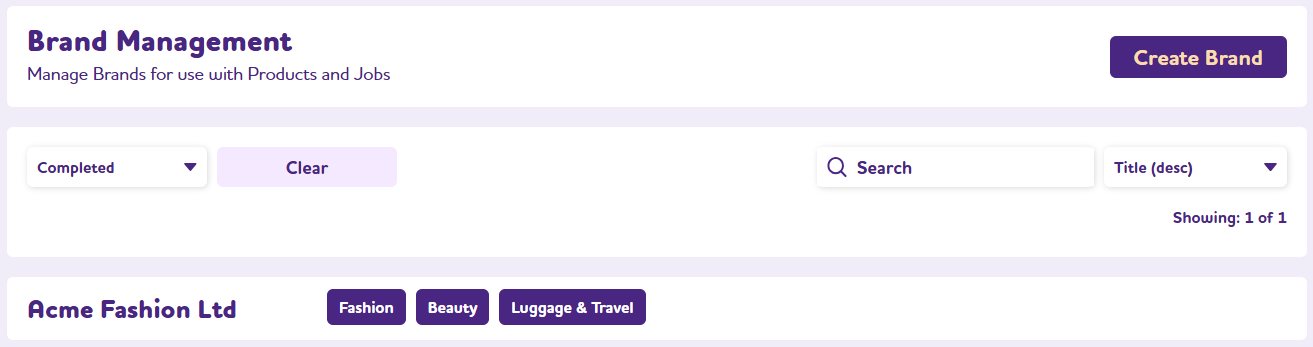
The Brand and Product dashboard have been updated to match Jobs, to give you fast access to your data. There are new filter and search functions to improve efficiency and make your tasks easier.
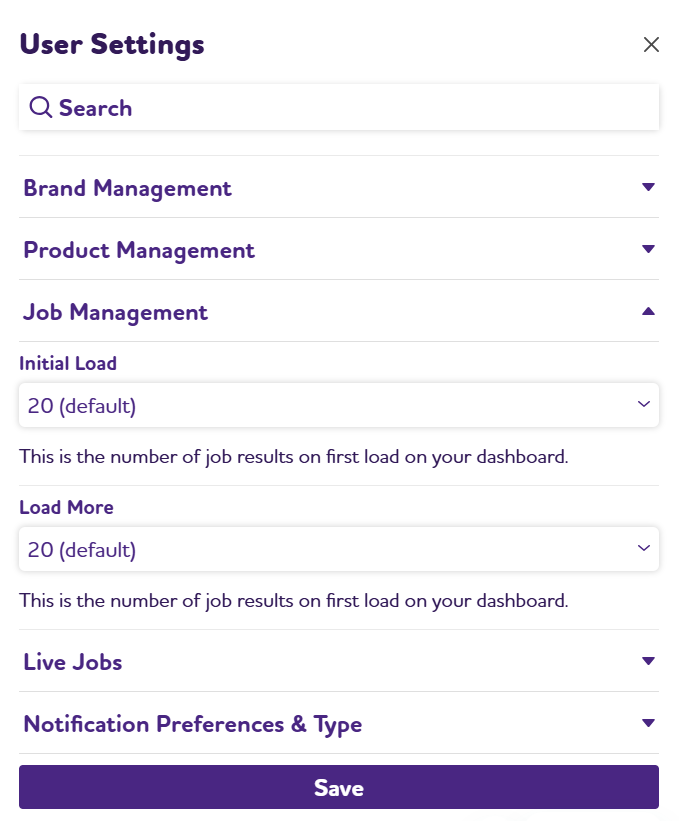
The User Setting panel has been redesigned to make options easier for you to find and interact with. This now allows for the adding of many more user defined configurations.
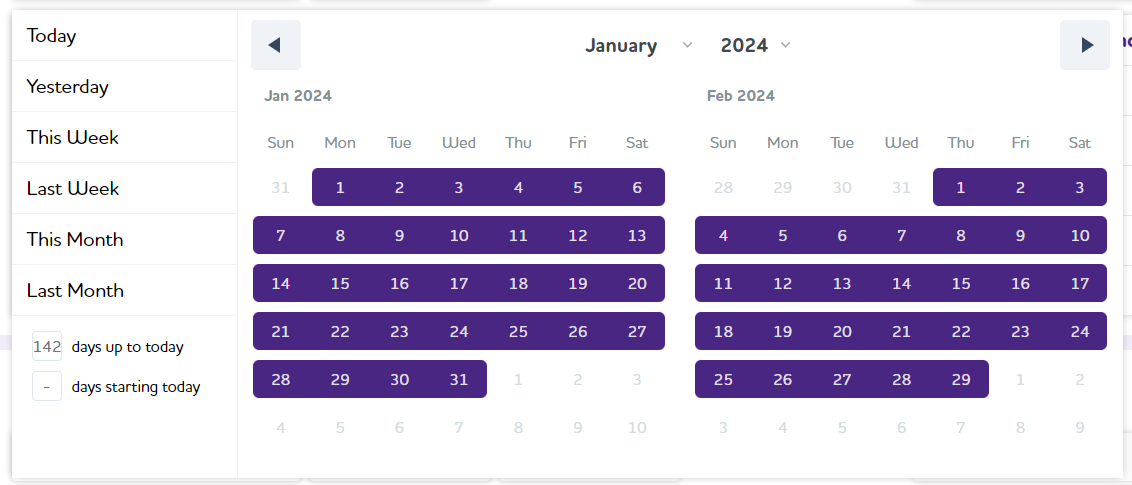
The analytics dashboard has been refactored to allow for more complex processing of metrics over time. You can now confidently set date ranges to see how your KPIs are performing.
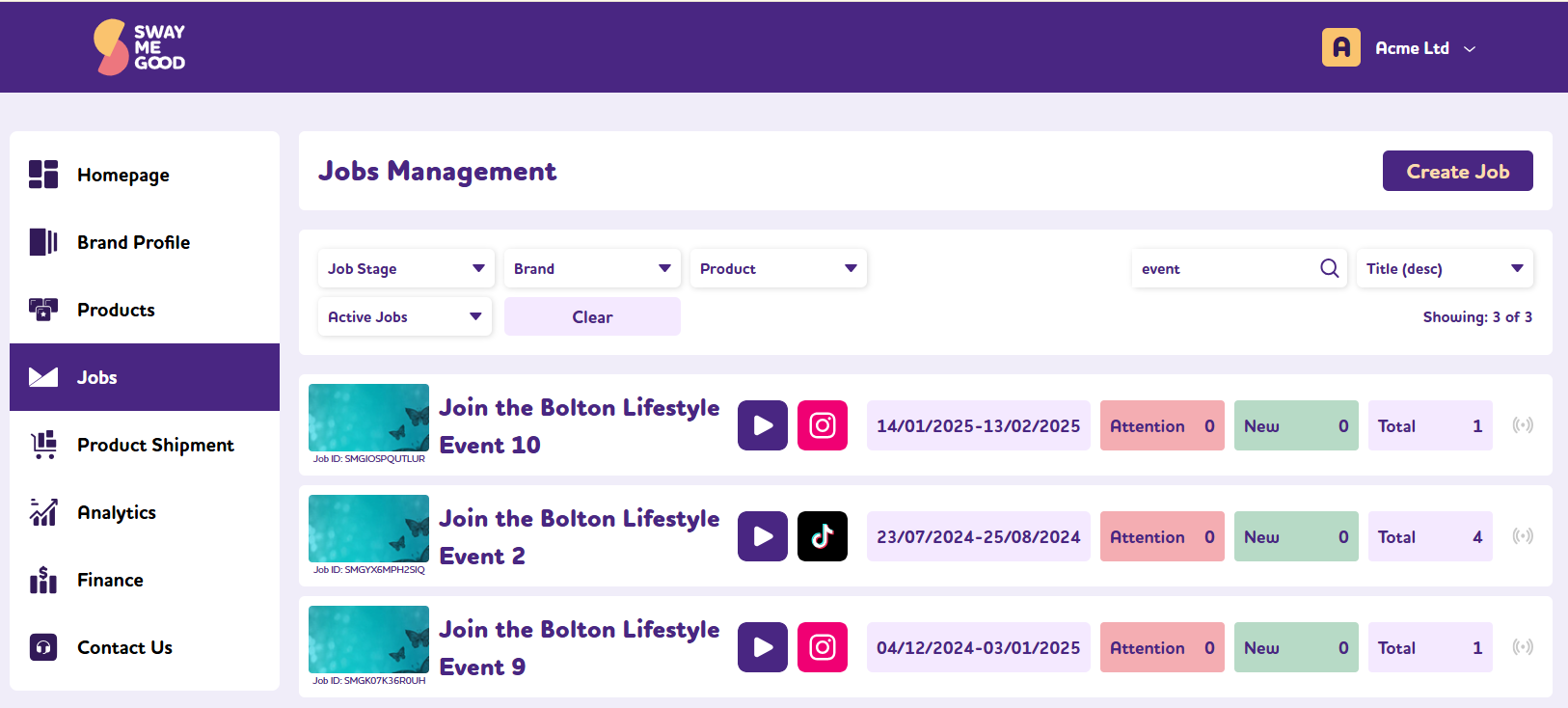
The Jobs Listing page has been totally redesigned to give you fast access to multiple jobs. There are new filter and search functions to improve efficiency; as well as fast access to further campaign information – so you instantly know what needs dealing with first.
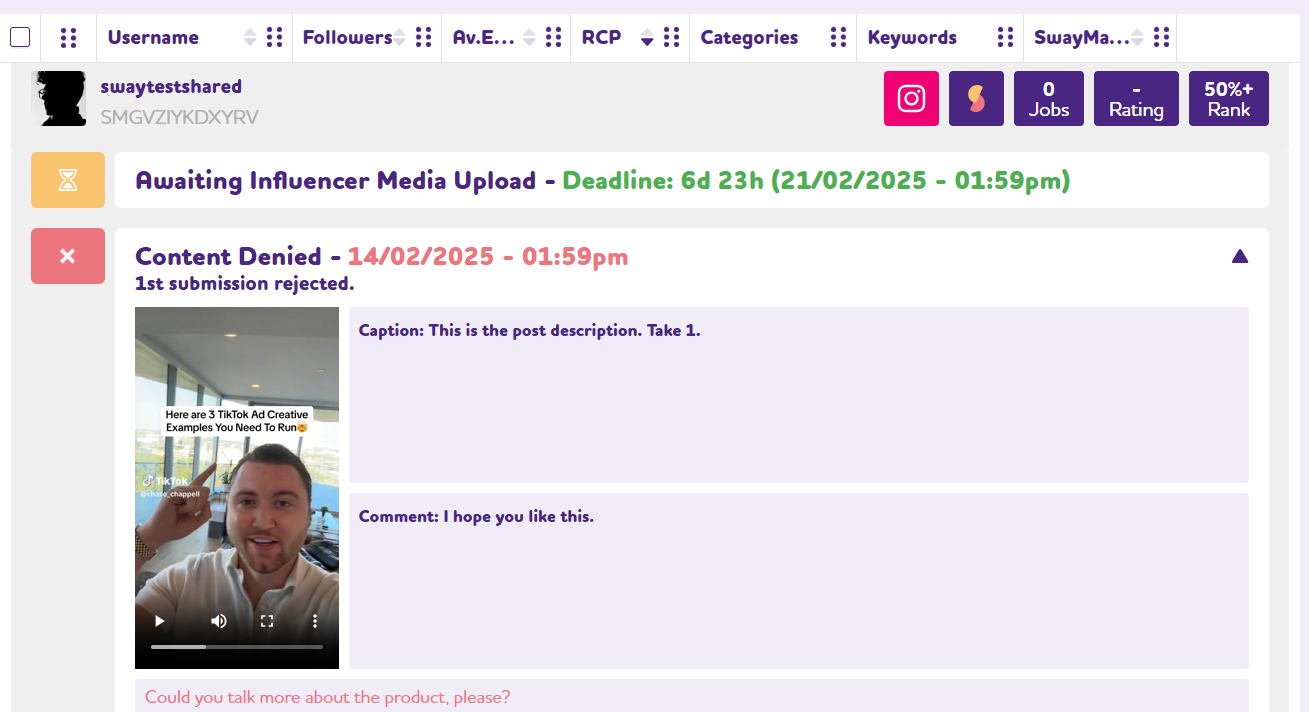
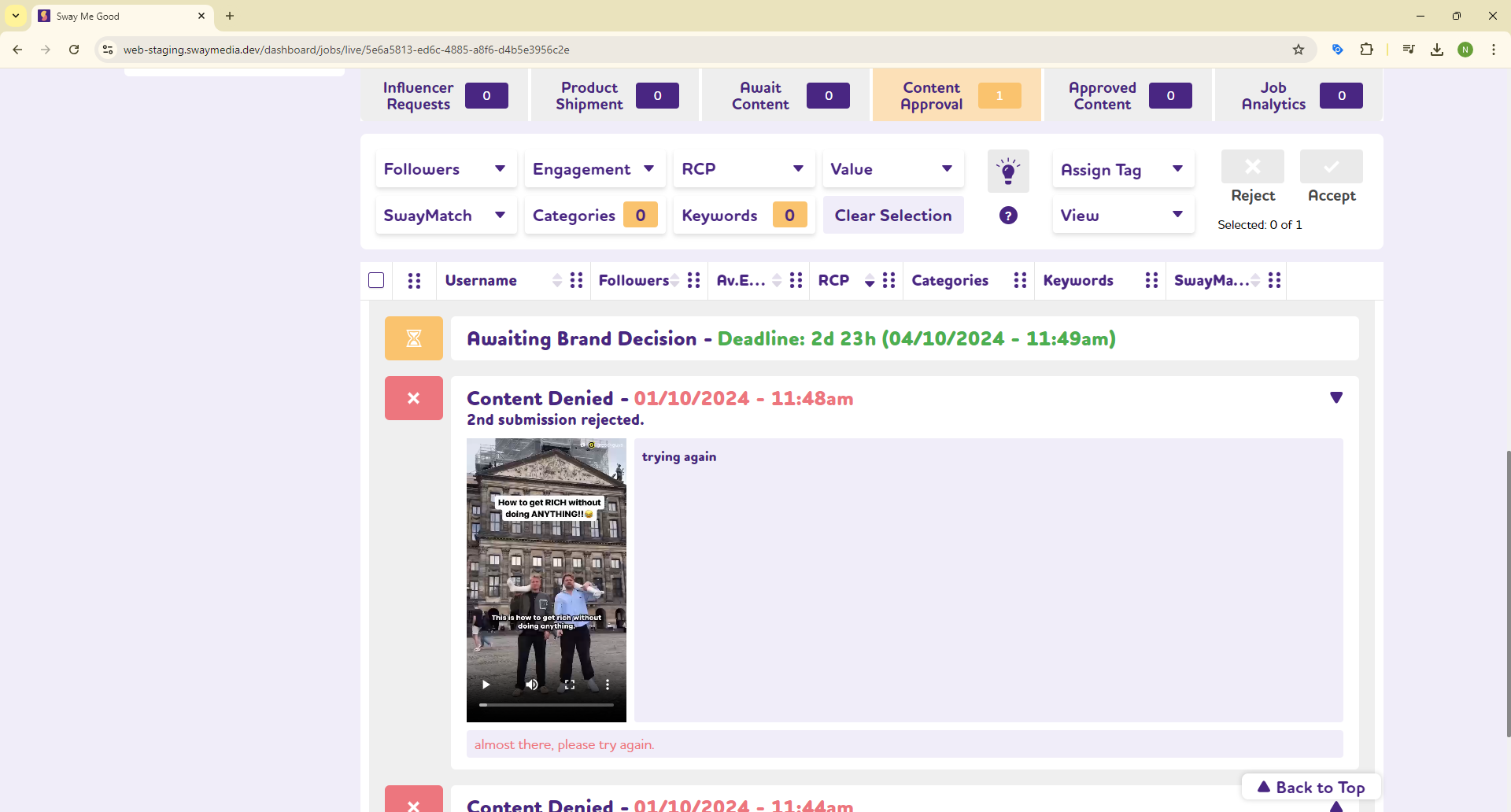
You can now view all revisions of content submitted by creators, enabling you to track activity history and manage content efficiently across multiple advertising campaigns.
You can now view in-progress analytics for your ongoing campaigns and jobs. Keep control of your KPIs with the quick view Analytics dashboard.
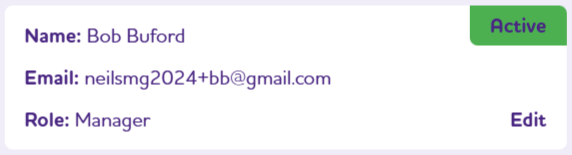
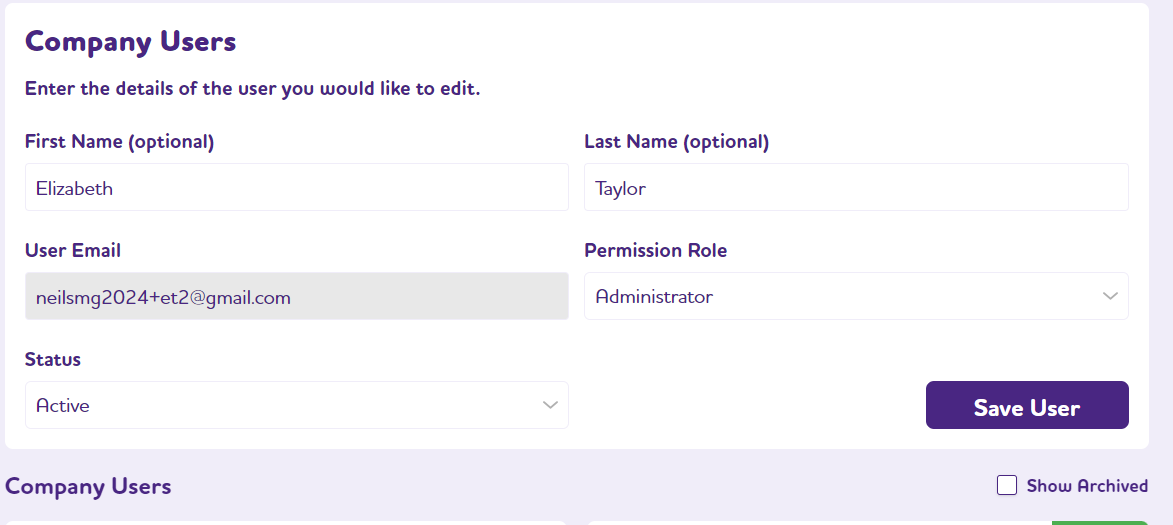
To aid with adding colleagues to the platform, you are now able to control permissions to limit sensitive information. This includes protection of Company Configurations and payment information. A User’s Role can be changed in Company Users.
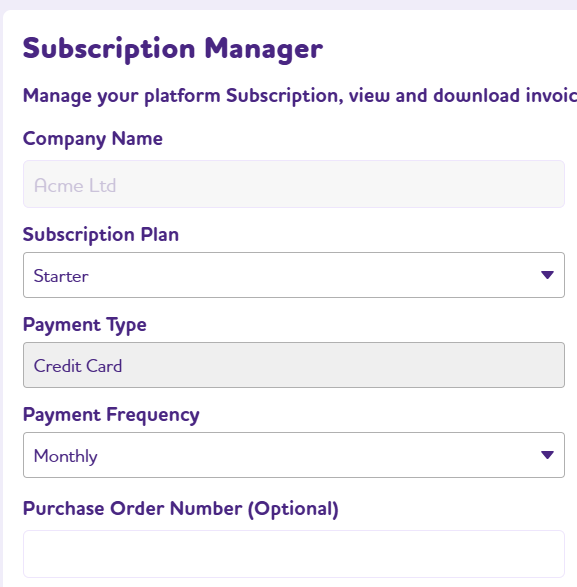
You can now manage, and change, your subscription plan and view invoices, in the Company Configuration / Subscription Manager.
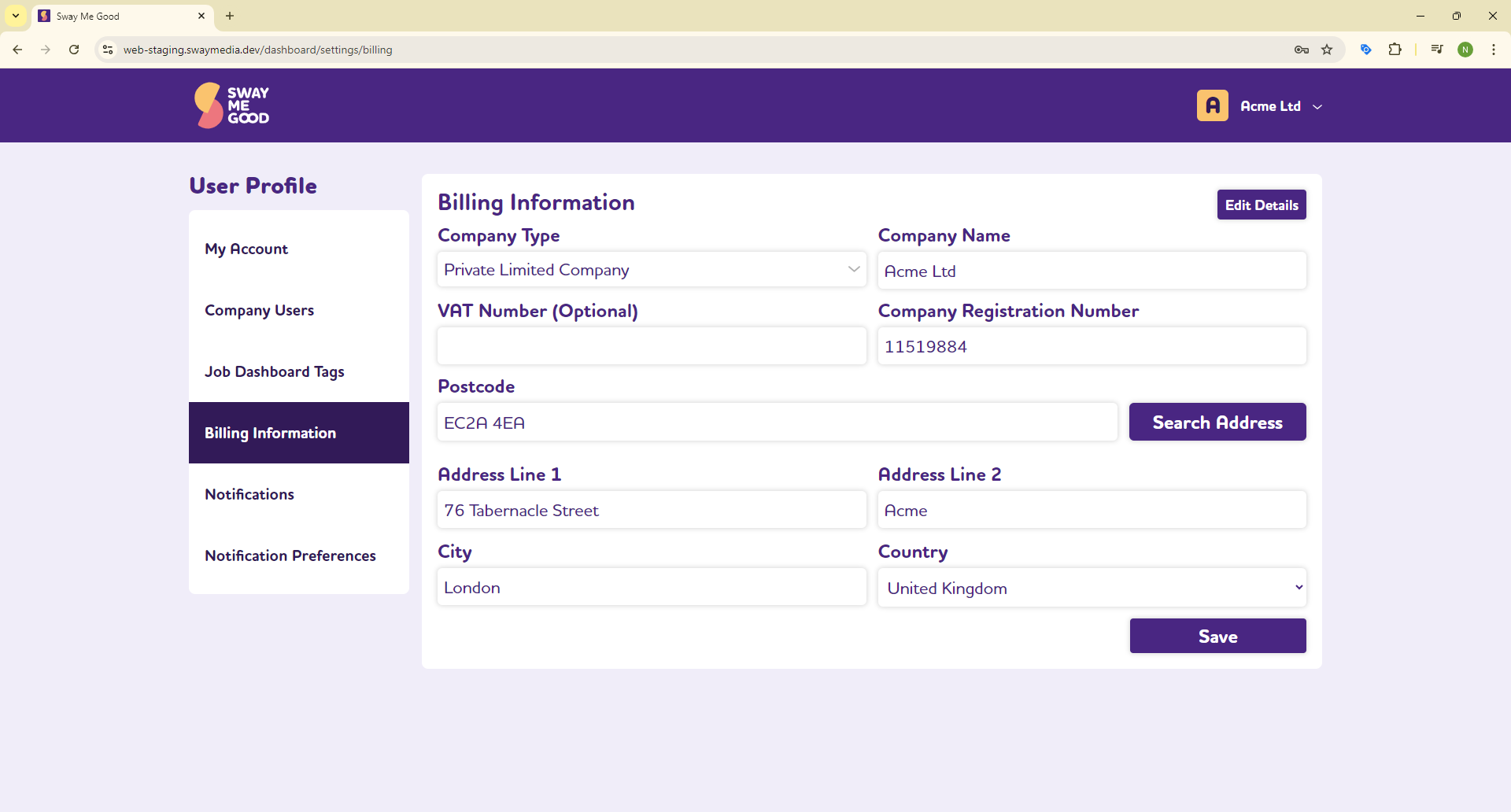
We have moved the Billing Information to Company Configs for ease of use; and to allow this to be protected by permissions.
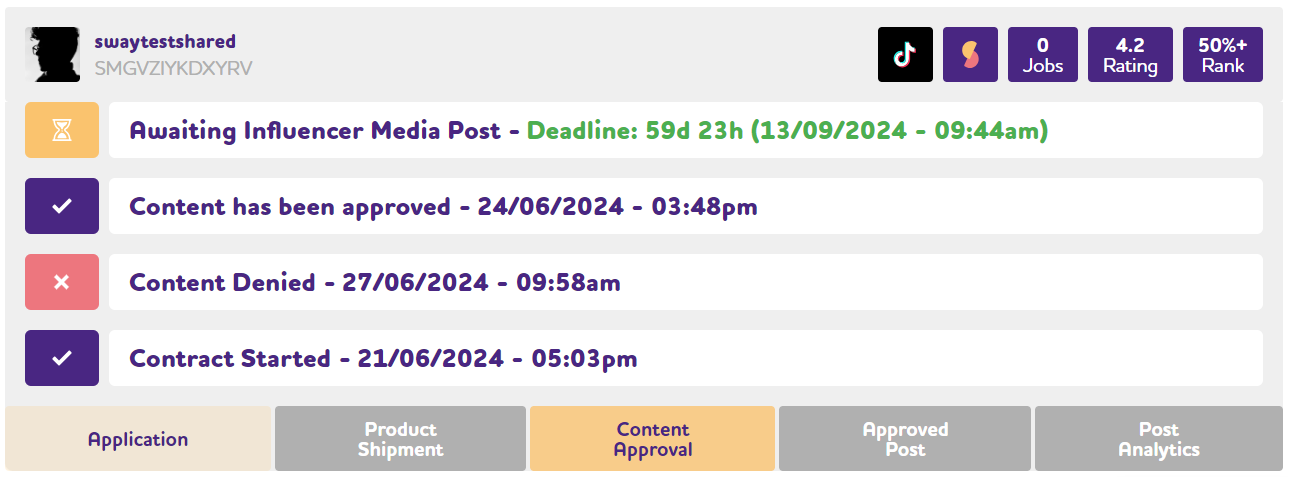
You now see the history of content approval and rejection, along with your feedback and any comments from the creator, to aid with auditing and analysis.
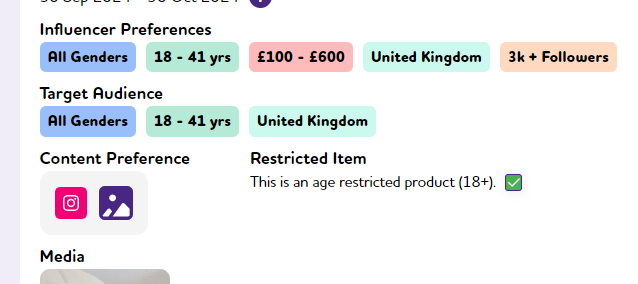
It is now possible to make an item age restricted. This allows for products marketed at adults. Influencers will need to accept the terms and conditions for restricted items when they apply for campaigns.
Users can now edit their own details; and Admins can allocate and change the Owner. Users can also be archived and hidden from view.
We continue to add more context and information to Influencer’s data cards. We now show when they applied; when they were accepted; and what the next important step is.
We have updated file extensions throughout the platform, when downloading for additional analysis.
This release sees the inclusion of the SwayMatch recommendations panel, on the Jobs Dashboard. This allows for acceptance of Influencer Requests in Bulk based on how appropriate an Influencer’s profile and posting history is to any this Job, expressed as a percentage. You can control various metrics to filter for your campaign and then Accept All Contracts.
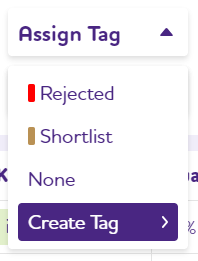
We have changed the rejection process, so that influencers have the Rejected Tag appended for 7 days, before being automatically rejected. You can now view these influencers with time to further consider.
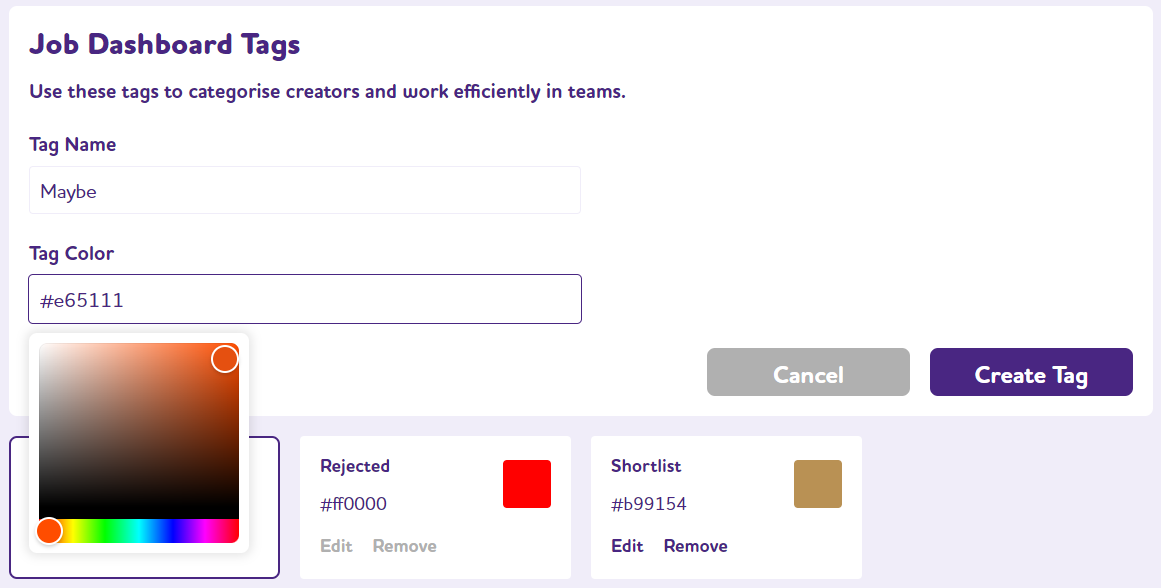
This is a new function for Admins in Company Configuration. You can now add, edit and remove Tags you have set-up. You can also change the colours associated with Tags you Create. These appear in the Jobs Dashboard for View and Assign Tag.
We have a new Analytics Dashboard that allows for viewing of metrics from completed contracts. You can apply a date range and filter by Brand, Products and Jobs.
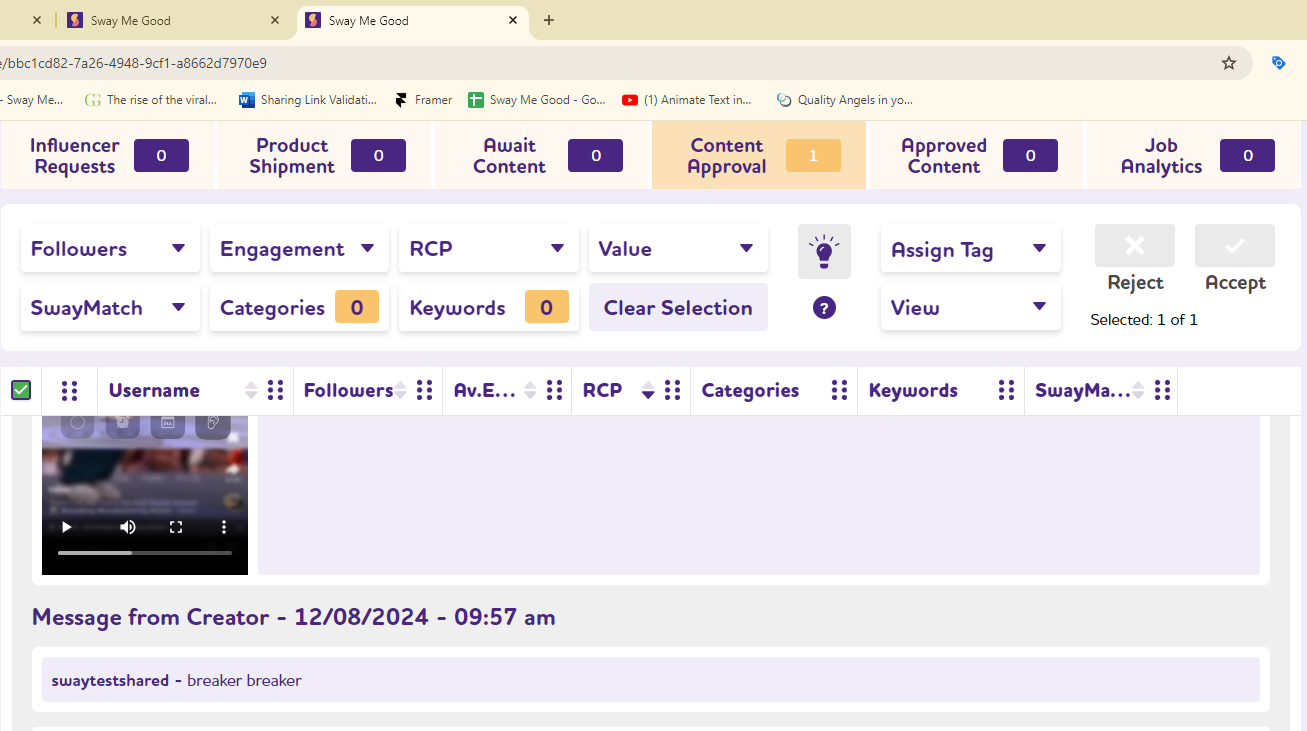
Influencers can now append a message when submitting content. You can see these messages in the Content Approval tab.
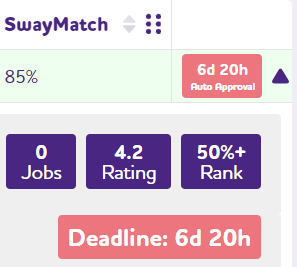
We have improved the messaging in the Jobs Dashboard, so that you can see how long you have left to act, before an automated task will be applied.This includes Auto Rejection, Content Approval and Manual Review.
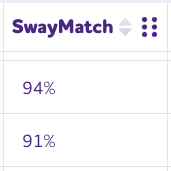
We have upgraded the “Job Dashboard / Invite Influencers” to show SwayMatch. This a percentage-based metric showing how well an influencer’s profile fits a specific job. Closer to 100% means a better match. It uses AI and machine learning to analyze data points like reach, content, value, trust, and performance, providing recommendations based on your campaign requirements. You can manage this column in User Settings.
You can now have multiple users working with the same brands, products and campaigns. You can invite new users to set-up an account with Sway Me Good, control their access permissions, and manage logins.
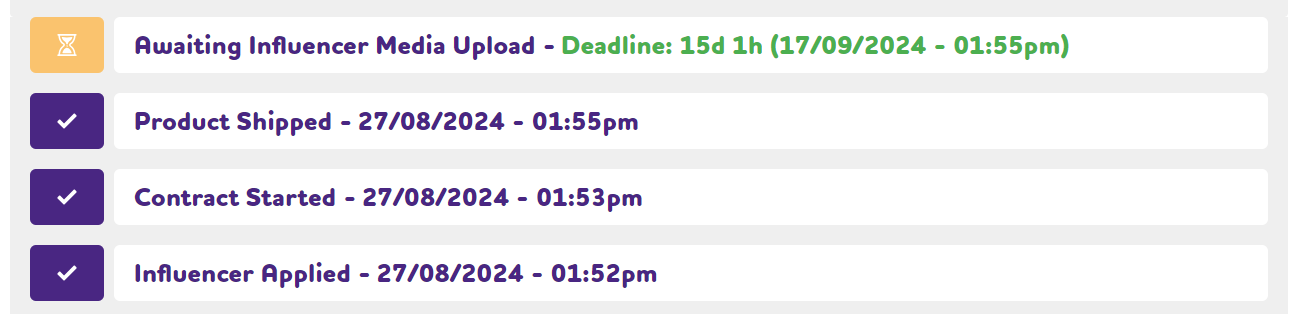
We have added date and time stamps to important contract steps, to aid your workflow prioritisation, whilst also providing an audit trail.
The Jobs Dashboard header and Filter bar is now fixed to the top of the page. This will make it easier to understand the data on longer pages. In addition, there is a helpful back to top button, which does what it says.
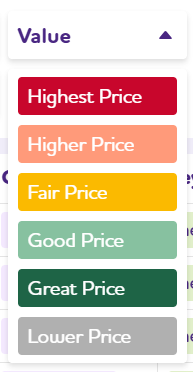
This informs you of an Influencer’s value for money, has been updated to be more granular.
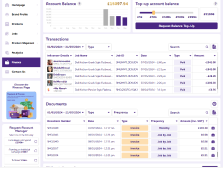
We have a new dashboard to show Transactions and Documents (eg. invoices, credit notes etc). You can also filter by type and date; and export data for analysis.
We have updated the date picker to give additional functionality. You will see this appearing in other places within the platform, over time.